Photo translation studio
Photo to Prompt Generator for Model-Ready AI Prompts
Turn one reference photo into six prompts that describe the subject, framing, light, camera feel, materials, color, and mood. Photo to prompt gives you a practical brief you can edit, copy, and carry into the image model you already use.
- Input
- File or URL
- Output
- 6 prompts
- Cost
- 1 credit
Start here
Add the photo you want to translate
One image creates the General prompt and all five model-specific versions in the same request.
No image selected
Add an image to create all six prompt formats.General · Midjourney · FLUX · Stable Diffusion · ChatGPT Image · Nano Banana
From caption to direction
Photo to prompt should explain how the picture works
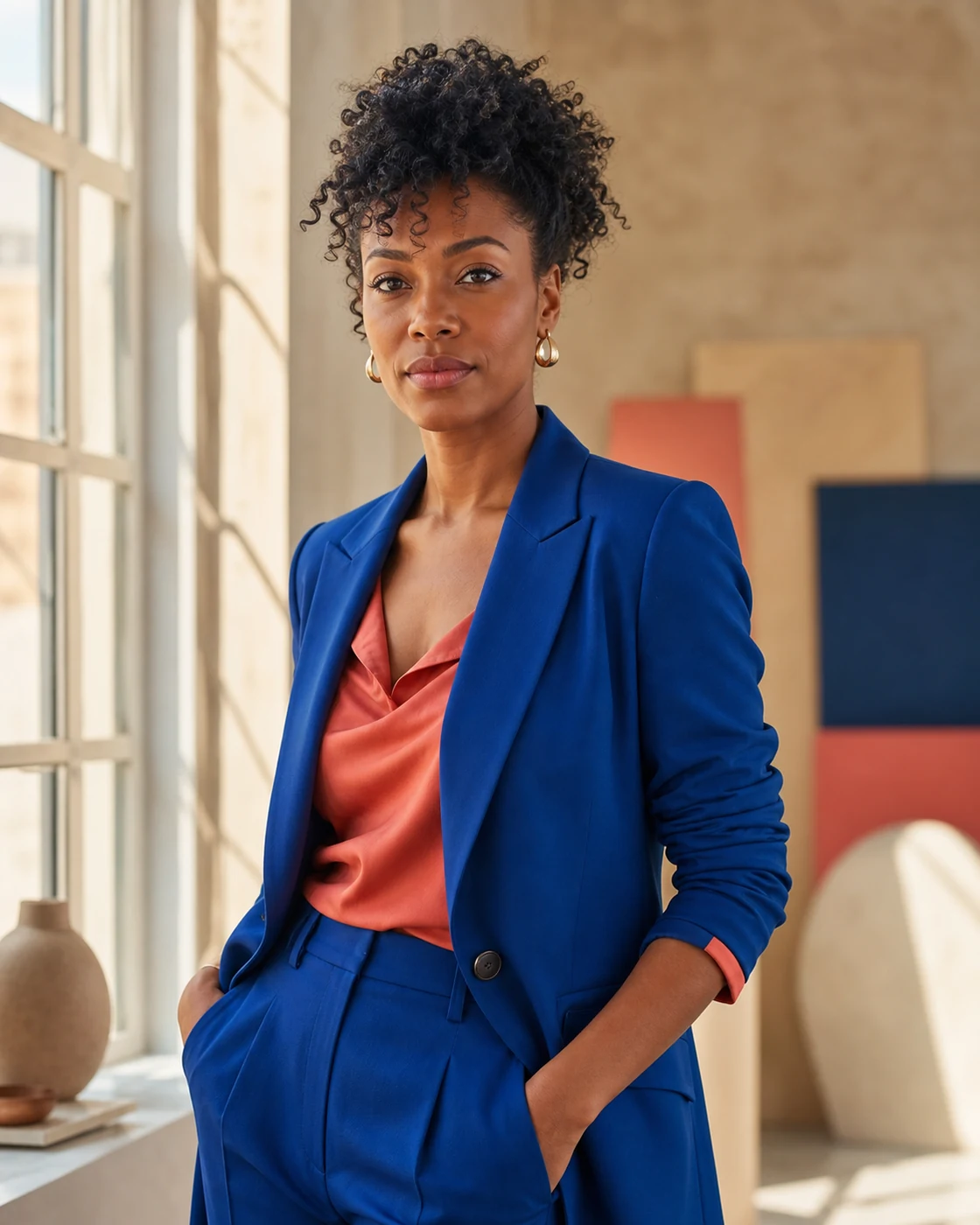
A caption might say, “a woman in a blue suit by a window.” A photo to prompt reading must go further because that caption throws away the decisions that give the photograph its character. The camera is near eye level. Window light arrives from one side and falls softly across the face. Cobalt fabric sits against coral and warm plaster. The background remains legible but does not compete with the subject. A useful photo to prompt result carries those relationships forward.
The distinction matters when you want a similar image rather than a generic image of the same object. Photo to prompt reads nine layers: subject, environment, composition, lighting, color, camera, materials, style, and mood. The General prompt recombines them into one clear brief. This is where the workflow becomes more useful than captioning: a signed-in user can inspect the structured parts later in History.
Thin caption
A watch on a gray background.
Creative direction
Top-down product photograph, centered round watch, brushed metal case, matte strap, cool gray studio surface, large diffused softbox, restrained reflections, soft contact shadow, quiet commercial mood.
Six output languages
One photo to prompt request, six independently written results
Image models do not all respond to the same writing style. Photo to prompt keeps the observed visual idea stable, then changes how the instruction is expressed for each destination. You spend one credit for the complete set, not one credit per tab.
General
A complete, portable description that stays readable when moved between tools.
Midjourney
Compact art direction with model-friendly phrasing and useful composition parameters.
FLUX
Explicit spatial relationships, concrete scene language, and precise object placement.
Stable Diffusion
Structured descriptive terms that are easy to adjust in a node or checkpoint workflow.
ChatGPT Image
Direct instructions, preservation requirements, and clear exclusions written as a brief.
Nano Banana
Reference-aware reconstruction language with details that should stay fixed or change.
Need a conversational creation or editing brief? Create a ChatGPT prompt from a photo.
Start with General when you want to understand the whole scene. Move to the named model when you are ready to generate. That simple photo to prompt sequence prevents platform syntax from hiding an analysis error in the underlying visual brief.
Set the canvas before you judge the wording. A tall editorial portrait cropped into a square may lose the gesture, background rhythm, or empty space that made the reference useful. Keep the source aspect ratio when composition is the priority, or state the new ratio and decide what the model should crop. Reference strength, seed controls, and image guidance remain separate settings that decide how closely the destination model follows the written visual plan.
Different photographs need different attention
Prompt direction for the images creators use every day
A photo to prompt pass uses the same nine-layer analysis across subjects, but the useful details change. A portrait depends on expression and subject separation. A product shot depends on materials and reflections. Photo to prompt shifts its descriptive attention to the evidence that carries each kind of image.
Portrait
Preserve framing, gaze, pose, skin-light relationship, lens feel, and the distance between subject and background.
Product
Describe surface finish, edge highlights, shadow softness, camera angle, backdrop sweep, and negative space for copy.
Interior
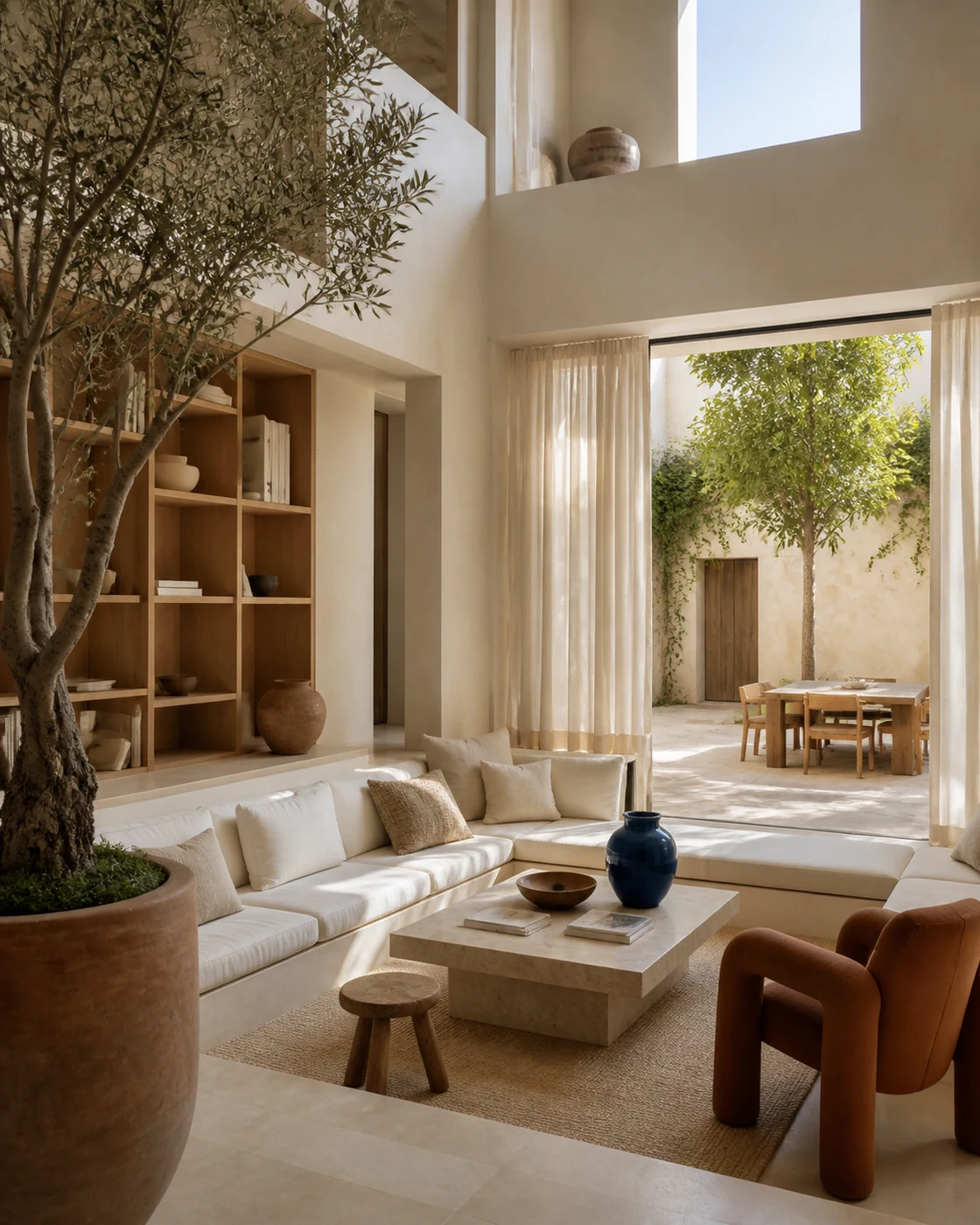
Map room geometry, daylight direction, material contrast, furniture placement, scale, and architectural camera height.
Food
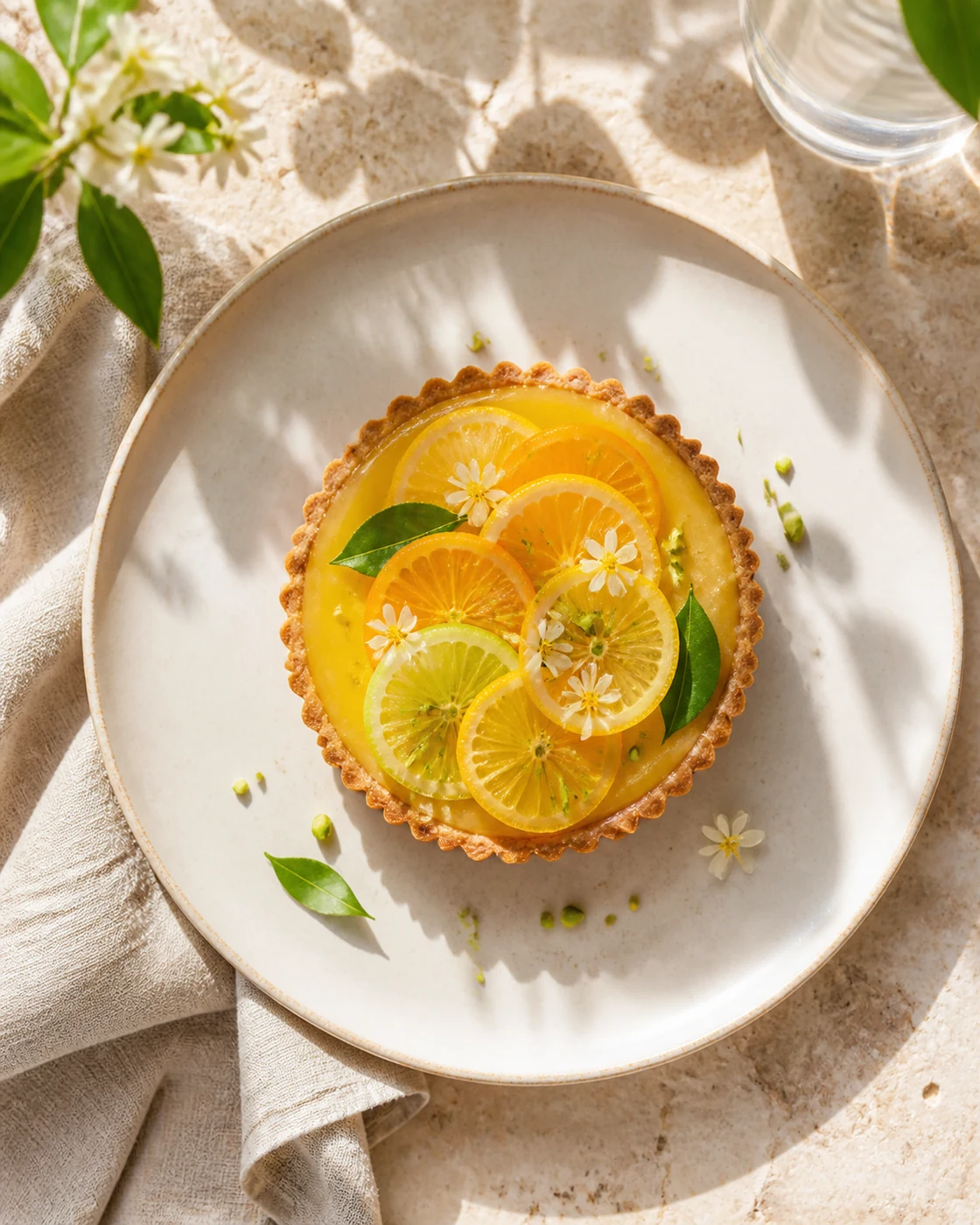
Read freshness cues, plating, specular highlights, table texture, color contrast, crop, and appetizing depth of field.
Landscape
Hold the horizon, foreground anchor, atmospheric depth, weather, time of day, focal length, and natural color balance.
Fashion
Translate garment shape, fabric movement, model direction, editorial setting, light falloff, and intended attitude.
A repeatable working method
Use the result like an art director
The first generated text is a draft, not a commandment. The best photo to prompt workflow compares the text with the reference, chooses the target model, then makes one deliberate change.
- 1
Choose the reference for one reason
Decide what you want to borrow before you upload. It might be the lighting, the centered product layout, the soft editorial palette, or the sense of scale. A focused goal makes the generated output easier to judge and edit.
- 2
Read the General version first
Check the subject, environment, composition, light, camera feel, materials, and mood against the photo. Correct an important miss before copying anything. Small decorative details matter less than the visual relationships that define the image.
- 3
Move to the model you will use
Pick the independently written version for your target generator. Photo to prompt does not stretch one master sentence across six tabs. Each version changes its instruction style while keeping the same observed creative direction.
- 4
Change one variable at a time
Keep the composition and light, then replace the subject. Or preserve the product and move it into a new environment. Controlled edits make it easier to learn which words the model followed and which details need stronger reference controls.
Know what the text can preserve
Photo to prompt improves direction, not certainty
A finished photograph hides its production history. The visible pixels do not reveal the original prompt, random seed, model version, ControlNet settings, retouching, crop history, or exact camera metadata. Photo to prompt can infer a plausible creative brief from what remains visible, but it cannot recover choices that the file no longer exposes.
This is why the result describes an 85 mm portrait look rather than claiming a physical 85 mm lens was used. It may describe a large diffused softbox because the shadows and reflections look consistent with one, but that is visual inference, not EXIF. Good photo to prompt copy makes the inferred direction useful without presenting it as hidden fact.
Identity and legible text also need care. If a particular person must remain recognizable, use the destination model's supported reference or identity controls and the necessary permissions. If a sign must contain exact words, expect to correct typography in a later pass. The text prompt is one control among several.
Questions before you upload
Reference conversion FAQ
What does a photo to prompt tool actually produce?
This tool reads visible choices in a reference photo and writes them as an AI image instruction. This page returns a portable General version plus separate prompts for Midjourney, FLUX, Stable Diffusion, ChatGPT Image, and Nano Banana. The result also includes a structured visual breakdown for signed-in History records.
Can this tool recover the original hidden prompt?
No. An image does not contain the exact text, seed, model settings, edits, or generation history that created it. The tool infers a useful new instruction from visible evidence. It is best treated as reverse art direction, not forensic recovery.
Will the prompt recreate the reference photo exactly?
No text prompt can guarantee a pixel-for-pixel match. AI image models introduce variation, and identity, typography, small objects, and spatial detail may change. A precise result improves the starting point, but the target model, seed, aspect ratio, and any reference-image controls still affect the output.
Which photo types work well?
Clear portraits, product shots, interiors, food photographs, landscapes, architecture, fashion editorials, and studio references all work well. Photo to prompt performs best when the subject and visual decisions are visible. Very small, heavily compressed, obscured, or text-dense images give the model less evidence to read.
Is the conversion free without an account?
Yes. Visitors get a one-time three-image trial per browser, and one image uses one credit while generating all six prompt versions. An account adds History and five permanent registration credits. Batch input is reserved for Pro subscribers, with one credit used for each image.
Can I edit and save the generated prompts?
You can edit every generated version before copying it. Sign in to save edits and the related visual analysis in History. This makes the output useful as a first draft: keep the lighting and composition, then change the subject, location, palette, or material for your next image.
Keep the visual idea, change the image
Start your next reference conversion
Upload one reference, compare all six versions, and copy the prompt written for your model. If you want to inspect the nine visual layers first, open the AI Image Analyzer. You can also browse the public prompt examples before choosing a reference.